10-Key Software Guide: Training & Employment Testing Tools

The best 10-key practice software mirrors real employment assessment conditions. Look for tools that score Net KPH (not just raw speed), track error patterns by digit, and let you practice data-entry-specific formats like invoice totals, zip codes, and account numbers.
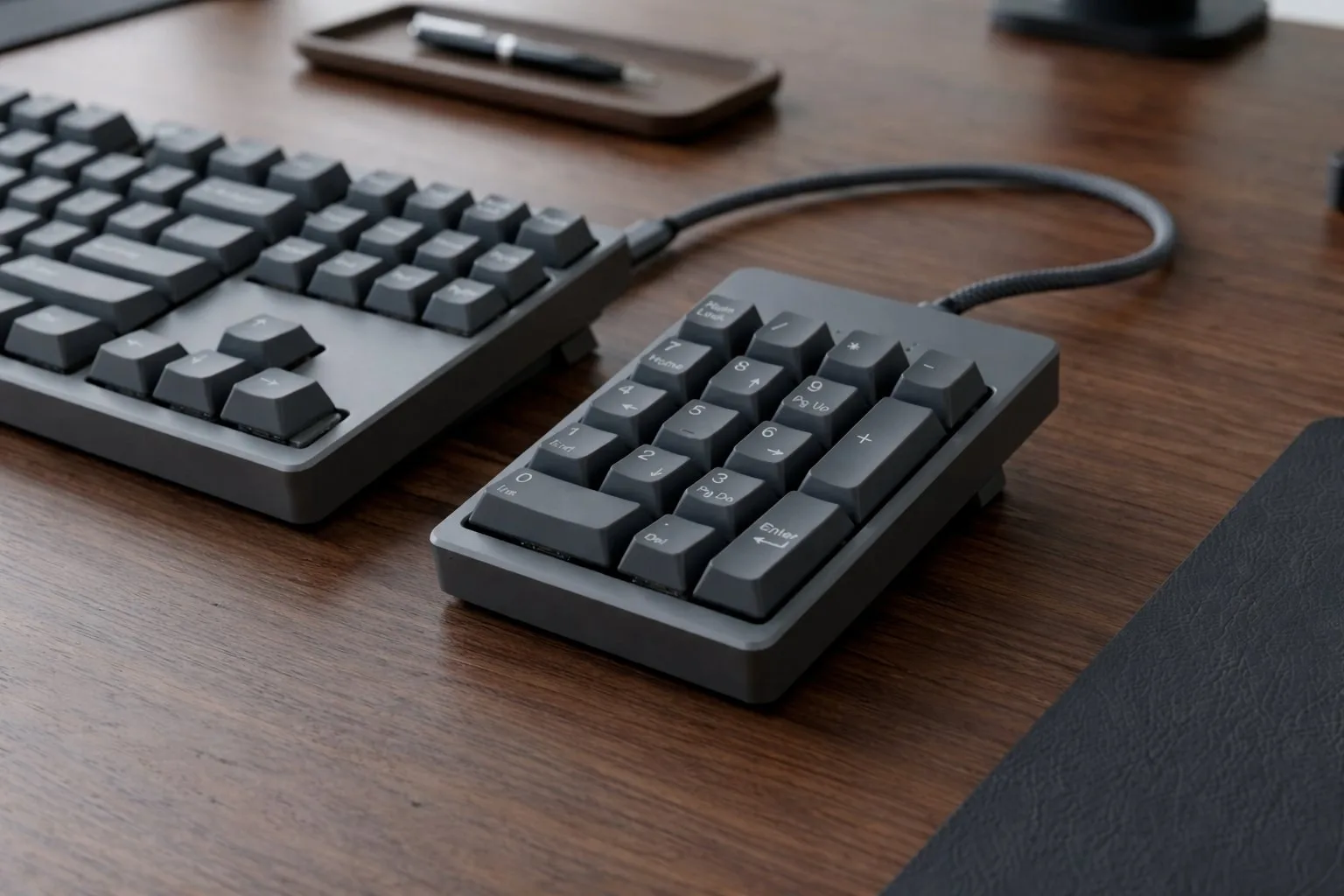
Selecting the right 10-key software is the foundational step toward mastering professional data entry. While basic browser tools exist, professional-grade software must simulate high-pressure environments like Kenexa Prove It! or the specialized interfaces found in banking and logistics. The software you train on directly shapes the habits you bring to an employment screening.
The Necessity of Professional-Grade Simulators
Effective software does more than count keystrokes - it tracks real-time KPH (Keystrokes Per Hour) and performs deep error-auditing. In a professional setting, speed is secondary to clean data. We recommend platforms that allow for custom data sets, including zip codes, currency with multi-decimal points, and 16-digit account numbers. This variety builds the cognitive flexibility needed to switch between different data entry tasks without losing your rhythm.
Generic tools that only present random single-digit numbers will leave you unprepared for the patterned, multi-field data you will encounter in accounting, medical billing, and logistics. Your training environment should mirror your target job environment as closely as possible.
Advanced Training Features
Ensure your software includes a blind entry mode where the input field is hidden, forcing you to rely entirely on muscle memory and the physical nub on the 5 key. The software should also provide a heatmap of your errors. If you consistently miss the 7 or transpose the 3 and 6, targeted drills can correct these specific mechanical flaws before they become permanent habits.
Error heatmaps are the single most underused feature in consumer 10-key training software. Most people practice the digits they are already good at. A heatmap forces you to confront the weak spots in your muscle memory and address them systematically.
The Mathematics of Professional Entry
Most professional software calculates Net KPH - your Gross KPH minus a penalty for every error. If you type 10,000 KPH but have 10 errors, your Net score may drop significantly depending on the employer's penalty formula. Modern training software helps you find your Accuracy Sweet Spot - the highest speed you can maintain while staying above the 98% accuracy threshold required by most financial firms.
Train to your Net KPH target, not your Gross. A candidate who consistently posts 8,500 Net KPH will outperform one who occasionally hits 12,000 Gross with unpredictable accuracy. Employers know this, and so should your training software.
Free vs. Paid Software for Job Seekers
For most data entry job seekers, paid software is unnecessary. The critical requirement is that your practice environment generates a Net KPH score, runs 1 or 5-minute timed sprints, and provides both Gross and Net KPH results. Platforms meeting these criteria - including 10KeyPro - are sufficient for employment-ready training and resume certificates.
Try the free option: Free KPH Test →
What to Look For in 10-Key Training Software
The most important feature in any 10-key training software is accurate Net KPH scoring. Any tool that only reports gross keystrokes per hour without applying an error penalty is not preparing you for real employment assessments. Look for software that uses the industry-standard deduction of approximately 50 keystrokes per error and reports both gross and net KPH at the end of each timed test. Variable session lengths matter too. A tool that only offers one test duration limits your ability to practice under the exact conditions of your specific target assessment, which can range from one minute to five minutes depending on the employer platform.
Browser-Based vs. Installed Software
Browser-based 10-key practice tools have one significant advantage over installed software: they are available on any device without setup, and they behave identically to the browser-based assessment platforms that most employers now use for remote screening. If your employment test will be administered through a browser interface, practicing in a browser replicates the input timing, keystroke detection method, and visual layout more accurately than a downloaded application would. The main limitation of browser tools is that they require an active internet connection, which is a non-issue for the vast majority of home practice environments.