Best 10-Key Typing Machines: Hardware for Professional Success
10KeyPro provides free KPH benchmarking and 10-key typing training for data entry professionals. Our test measures both Gross KPH and Net KPH — the accuracy-adjusted score used by employers in medical billing, accounting, and logistics hiring assessments.
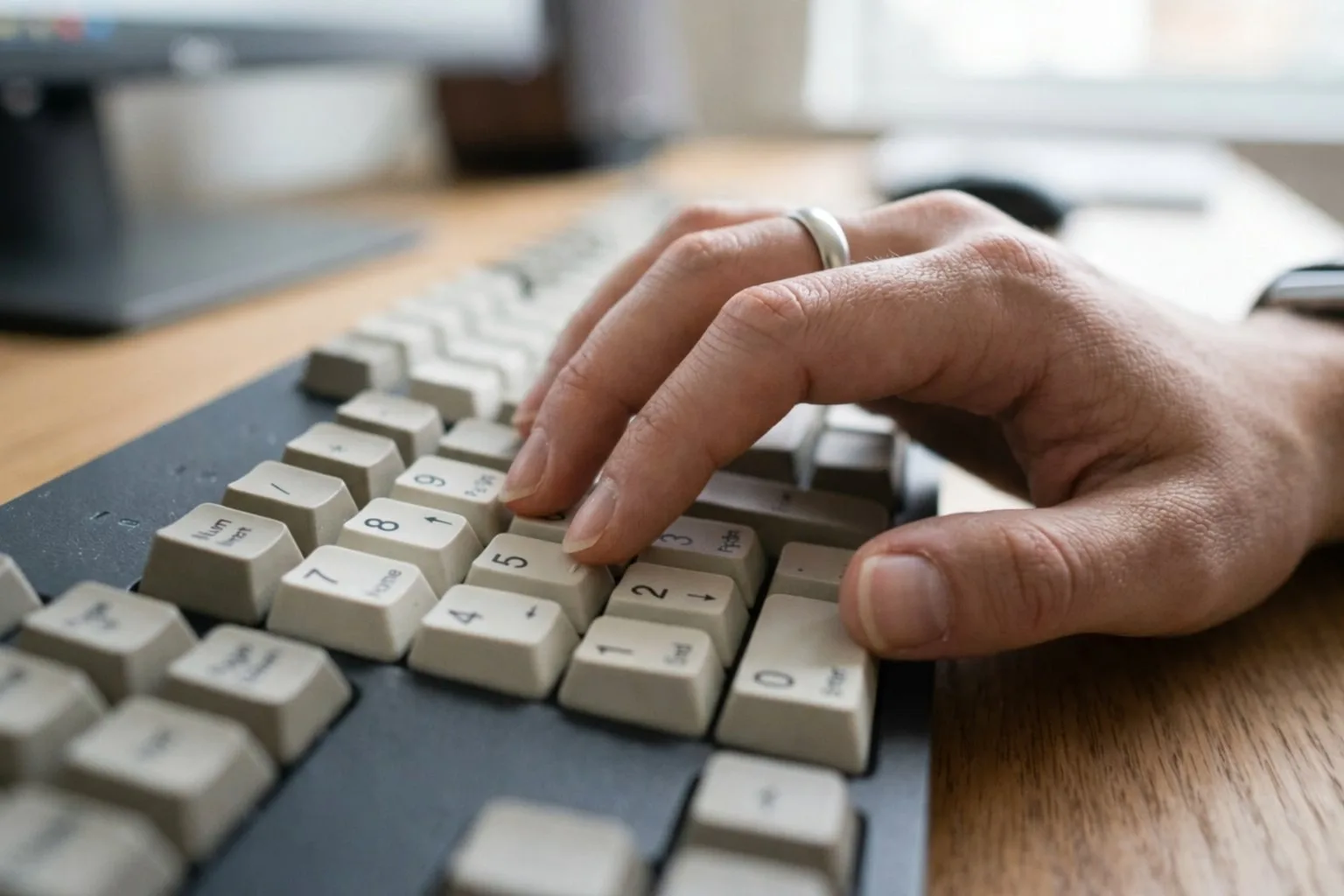
Your hardware choice is the single most important factor in your physical speed ceiling. Laptop keypads are physically incapable of supporting the rapid-fire entry required for 10,000+ KPH scores. The key travel is too shallow, the tactile feedback is absent, and the layout is often compressed in ways that force unnatural finger positions. For professional development, a dedicated mechanical keypad is non-negotiable.
The Mechanical Advantage
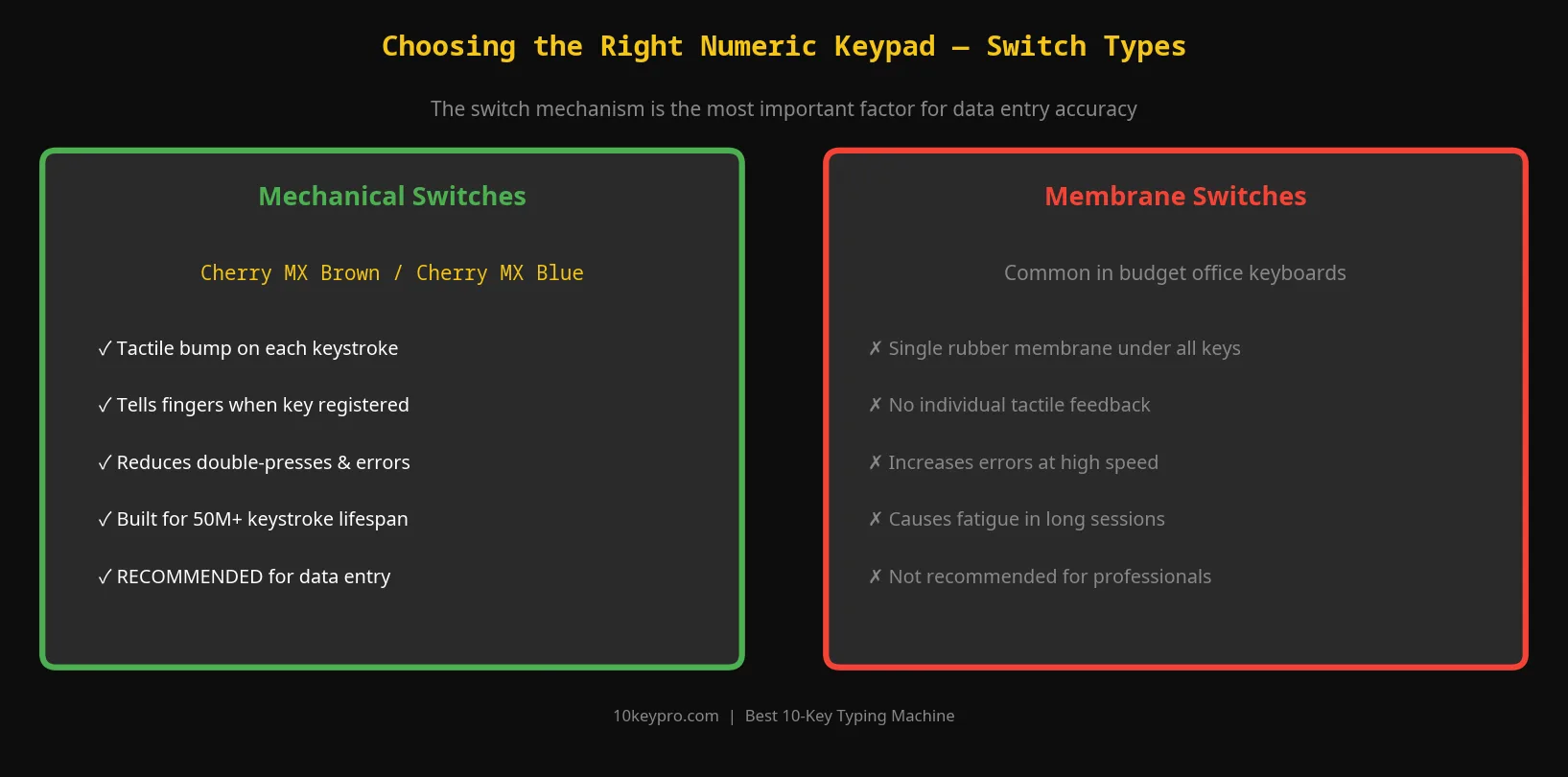
Professionals almost exclusively use mechanical numeric keypads. Unlike membrane keyboards — which feel mushy and give no physical confirmation — mechanical switches provide a definitive click or bump. This tactile feedback tells your brain the key has been registered, allowing you to move to the next digit without a micro-pause to verify visually.
For 10-key work, look for Cherry MX Blue switches (audible click, clear tactile bump) or Cherry MX Brown equivalents (tactile bump, quieter for office environments). Avoid linear switches like Red or Black for data entry — the lack of tactile feedback increases the risk of ghosted keystrokes at high KPH.
Key Features for Professional Input
- Weighted Base: High-speed typing creates significant vibration. A heavy, rubber-bottomed keypad stays anchored to your desk and eliminates slippage during long sessions.
- Keycap Contouring: High-quality keycaps are slightly concave ("dished"), which helps center your fingertips and prevents accidental adjacent-key strikes at speed.
- The "00" Key: If you work in accounting or finance, a dedicated double-zero key can eliminate up to 15% of your total keystrokes daily — a genuine productivity multiplier for currency-heavy entry.
- Detached Form Factor: A standalone keypad lets you position the device at the optimal ergonomic angle independent of your main keyboard, reducing wrist strain across an 8-hour shift.
- USB Wired Connection: For employment testing, always use a wired keypad. Bluetooth latency — even 10ms — can cause missed keystrokes above 9,000 KPH.