10-Key Workstation Gear: 78 Picks for Data Entry and Transcription
Affiliate disclosure: As an Amazon Associate, 10KeyPro earns from qualifying purchases. It costs you nothing extra. Prices change daily, so we show price tiers instead of exact prices. Click through for today's price.
The best 10-key setup is a wired keypad or full-size keyboard, a document holder beside the monitor, a screen with its top at or below eye level, and a chair with adjustable lumbar support. Nearly every product below holds 4.5+ stars on Amazon with 1,000+ ratings, and every card shows its exact numbers.
Most people who take our free 10-key test are practicing for a job in billing, accounting, claims or transcription. Speed comes from practice, but your desk decides how long you can keep that speed up. A cramped keypad, a screen that's too low, or papers flat on the desk all add small delays and strain that pile up over an eight-hour shift.
We built this list for that desk. Each section explains what matters for numeric entry, then shows picks in three price tiers: budget under $50, mid-range from $50 to $149, and premium at $150 and up. Products are sorted by how many Amazon ratings they have, so the most proven options come first. If you're not sure where your speed stands yet, check our 10-key speed benchmarks first.
Numeric Keypads
The keypad is where your KPH score lives or dies. For timed employer tests, a wired pad is the safe choice because there's no pairing or battery to worry about mid-test. Mechanical switches give a clear bump on every press, which helps you trust a keystroke and move on. Scissor keys feel closer to a laptop and run quieter. If your job mixes numbers and navigation, look for a Tab key and a 00 key. We relaxed our usual rules slightly here: standalone keypads rarely hold 4.5 stars with 1,000+ ratings, so two 4.4-star pads and one newer pad with fewer ratings are included and labeled honestly.
 Budget · Under $50
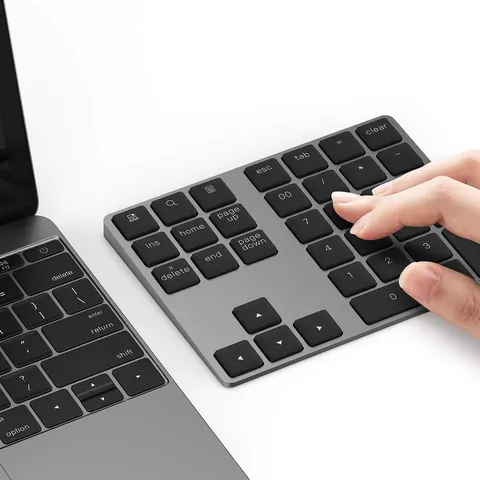
Lekvey Bluetooth Number Pad, Aluminum, Rechargeable, 34 Keys
★ 4.4 · 3,480 ratings
Slim aluminum Bluetooth pad with extra function keys. Fine for daily work. Use a wired pad for timed tests.
Check price on Amazon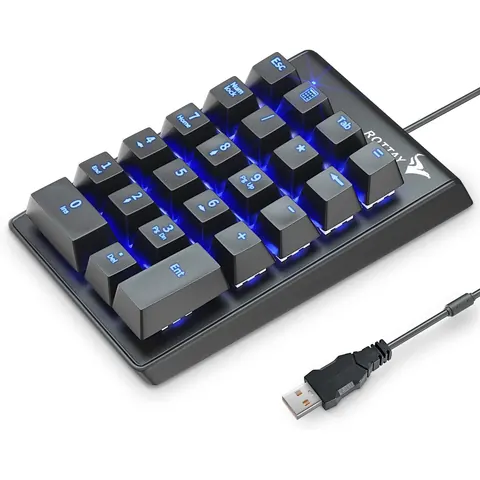 Budget · Under $50
Rottay Mechanical Numeric Keypad, 22-Key USB, LED Backlight
★ 4.5 · 3,294 ratings
Wired and mechanical. Clear tactile feedback on every keystroke at a budget price.
Check price on Amazon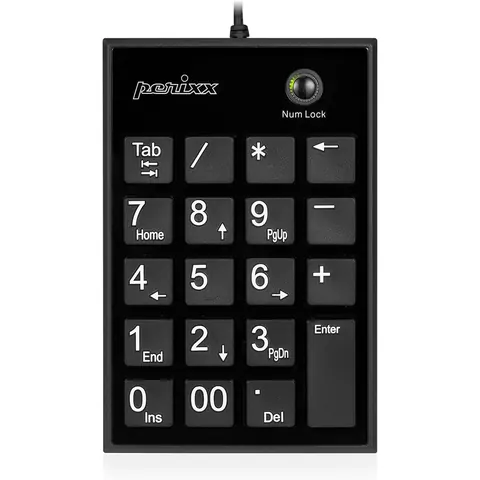 Budget · Under $50
Perixx PPD-202 Wired 19-Key Slim Numeric Keypad, Scissor Keys
★ 4.4 · 1,331 ratings
Big-print legends, a 00 key and a Tab key. Low-profile scissor switches feel close to a laptop.
Check price on Amazon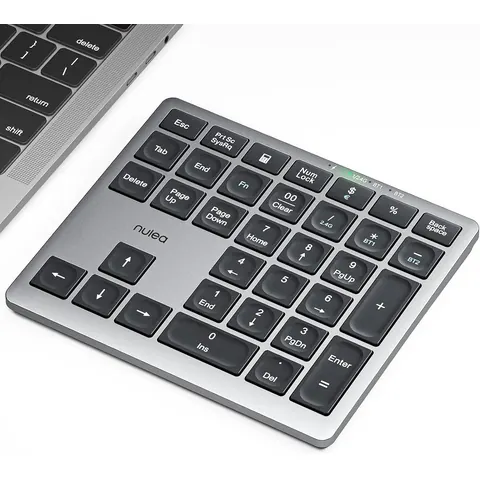 Budget · Under $50
Nulea Wireless Number Pad, Bluetooth 5.0 and 2.4G, USB-C Rechargeable
★ 4.6 · 846 ratings
Dual-mode wireless with a USB-C battery. Good for switching between a laptop and a tablet.
Check price on AmazonFull-Size Keyboards
Every pick here is a full-size board with a built-in number pad. No tenkeyless or 60% layouts. If you already own a standalone keypad, a full-size board still matters for jobs that mix typing and 10-key, like billing or claims entry. Budget membrane boards are quiet and fine for most offices. Mechanical boards cost more but give firmer feedback, which many fast 10-key typists prefer. Clicky switches are loud, so skip them if you share an office.
"Put the keyboard directly in front of you. Your shoulders should be relaxed and your elbows close to your body. Your wrists should be straight and in-line with your forearms."Source: U.S. Occupational Safety and Health Administration, OSHA Computer Workstations eTool, Keyboards
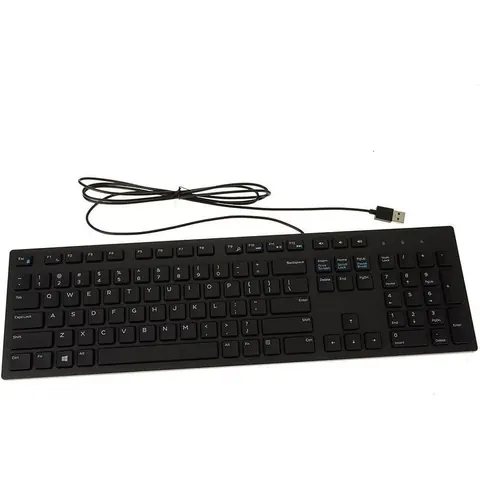 Budget · Under $50
Dell Wired Keyboard KB216, Multimedia, Black
★ 4.6 · 41,473 ratings
Plain, quiet office layout with a full number pad.
Check price on Amazon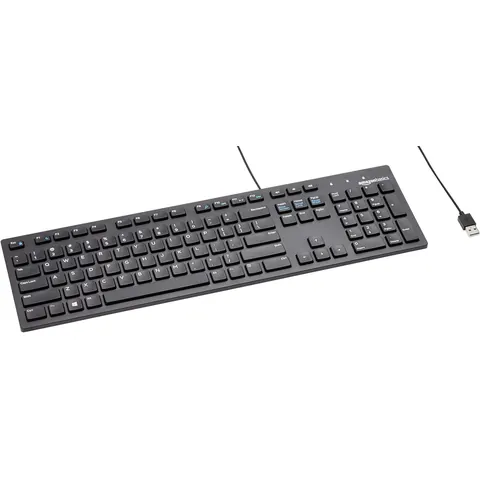 Budget · Under $50
Amazon Basics Wired QWERTY Keyboard, Full-Sized, Black
★ 4.5 · 9,986 ratings
Plug-and-play full-size board with a number pad. The lowest-cost way to get a real 10-key section.
Check price on Amazon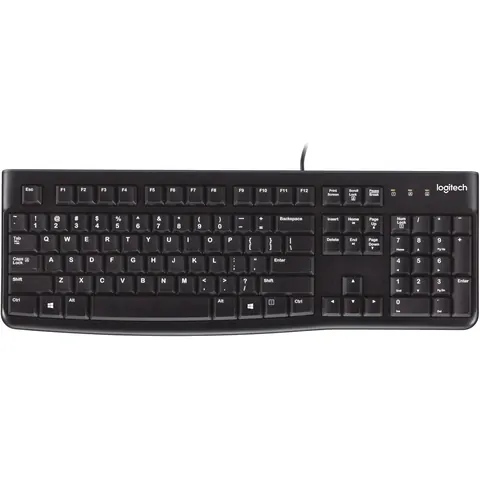 Budget · Under $50
Logitech K120 Full Size Wired Keyboard, Spill-Resistant
★ 4.6 · 9,561 ratings
Spill-resistant and quiet. A reliable backup board for any desk.
Check price on Amazon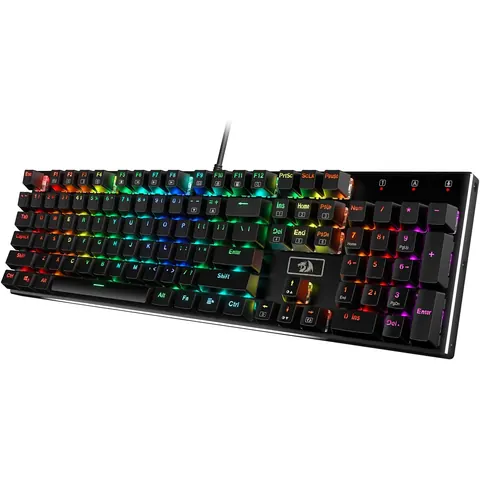 Mid-range · $50 to $149
Redragon K556 Wired RGB Mechanical Keyboard, 104-Key Aluminum
★ 4.6 · 8,135 ratings
Full 104-key mechanical layout on an aluminum frame. Tactile keys at a mid-range price.
Check price on Amazon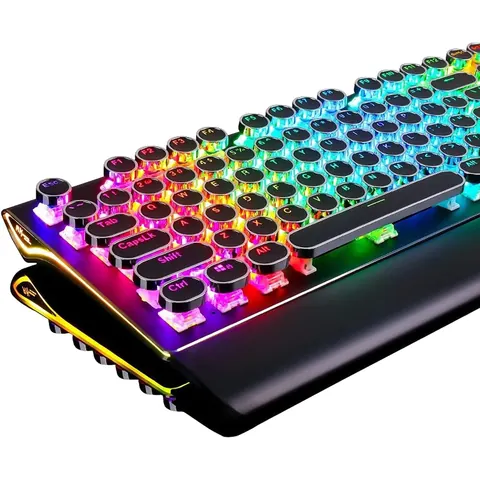 Mid-range · $50 to $149
RK Royal Kludge S108 Typewriter Keyboard, Mechanical, 108 Keys
★ 4.6 · 7,700 ratings
Round typewriter-style keycaps and a detachable wrist rest. Full number pad included.
Check price on Amazon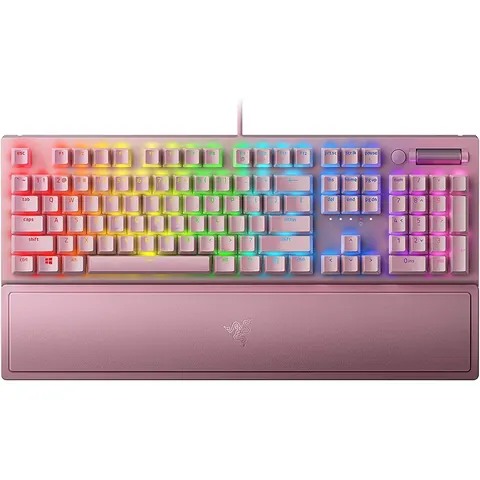 Mid-range · $50 to $149
Razer BlackWidow V3 Mechanical Keyboard, Green Switches
★ 4.7 · 3,865 ratings
Clicky green switches give loud, clear confirmation. Includes a wrist rest.
Check price on Amazon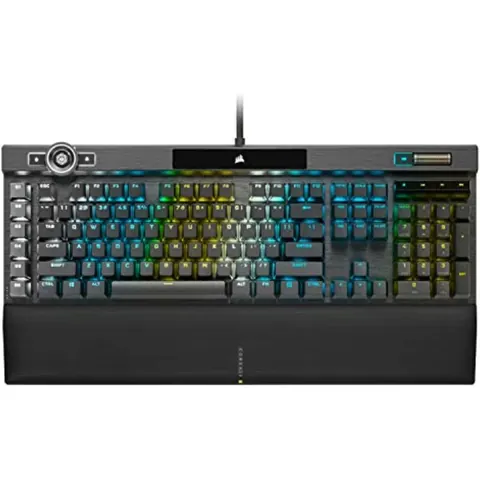 Premium · $150+
Corsair K100 RGB Mechanical Keyboard, Cherry MX Speed Switches
★ 4.6 · 1,872 ratings
Flagship build with PBT keycaps, a control dial and a magnetic palm rest.
Check price on Amazon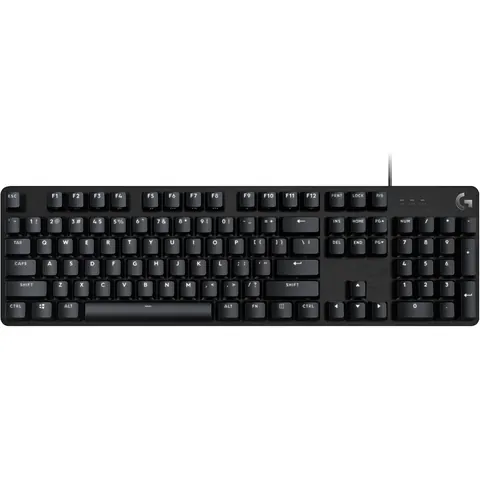 Mid-range · $50 to $149
Logitech G413 SE Full-Size Mechanical Keyboard, Black
★ 4.5 · 1,656 ratings
Tactile mechanical switches in a clean, office-friendly full-size layout.
Check price on Amazon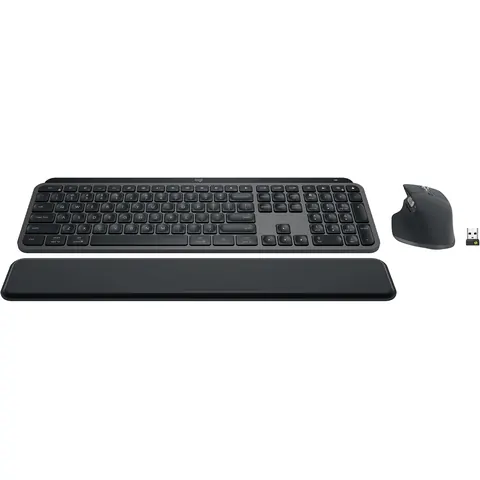 Premium · $150+
Logitech MX Keys S Combo, Wireless Keyboard and Mouse, Graphite
★ 4.6 · 1,202 ratings
Low-profile full-size keyboard with backlit keys, a mouse and a palm rest in one box.
Check price on AmazonWrist Rests
A wrist rest is for the pauses between bursts, not for planting your wrist while you key. Resting on it mid-stroke bends the wrist up and can add strain. Pick a rest that matches your keyboard height and length. Full-length rests cover boards with a number pad. Short rests suit a standalone keypad. Gel stays cooler, while dense foam holds its shape longer.
 Budget · Under $50
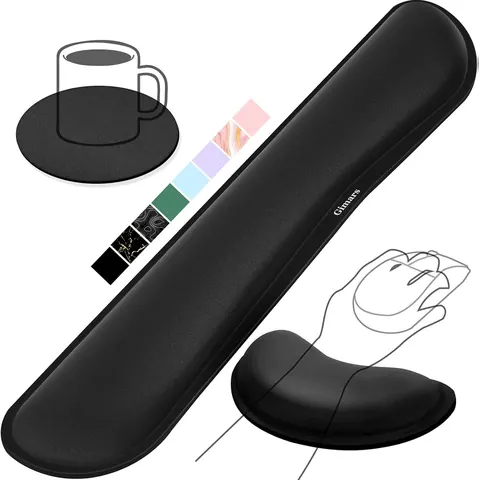
Gimars Gel Memory Foam Keyboard Wrist Rest Set
★ 4.5 · 40,345 ratings
Keyboard rest plus mouse rest in one set. Soft fabric top.
Check price on Amazon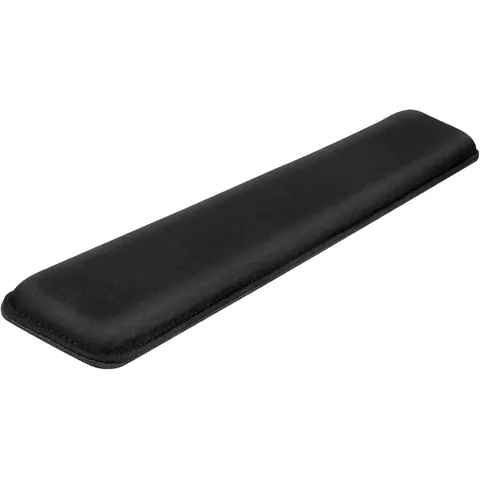 Budget · Under $50
Yolanda Keyboard Wrist Rest, Cooling Gel, Stitched Edges
★ 4.5 · 11,959 ratings
Cooling gel pad with stitched edges that resist fraying.
Check price on Amazon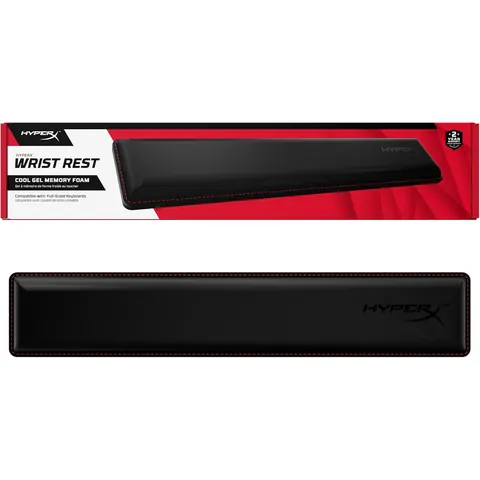 Budget · Under $50
HyperX Wrist Rest, Full Sized, Cooling Gel Memory Foam
★ 4.7 · 11,652 ratings
Full-length rest that fits boards with a number pad.
Check price on Amazon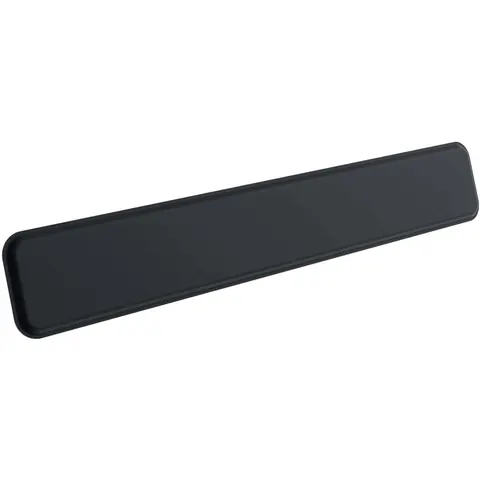 Budget · Under $50
Logitech Palm Rest for MX Keys, Premium
★ 4.5 · 6,905 ratings
Slim palm rest made for low-profile keyboards like MX Keys.
Check price on Amazon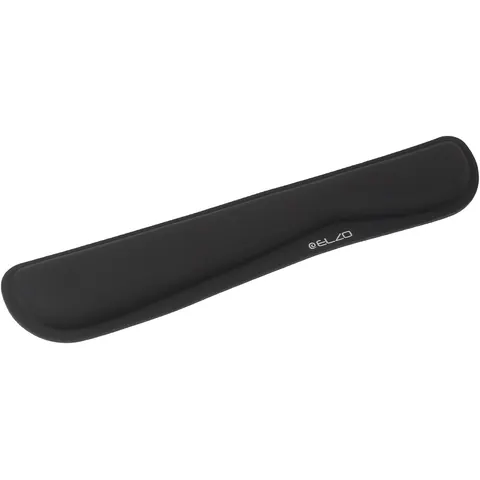 Budget · Under $50
ELZO Keyboard Wrist Rest, High-Density Memory Foam
★ 4.5 · 5,032 ratings
Firm, dense foam that holds its shape. The cheapest pick here.
Check price on Amazon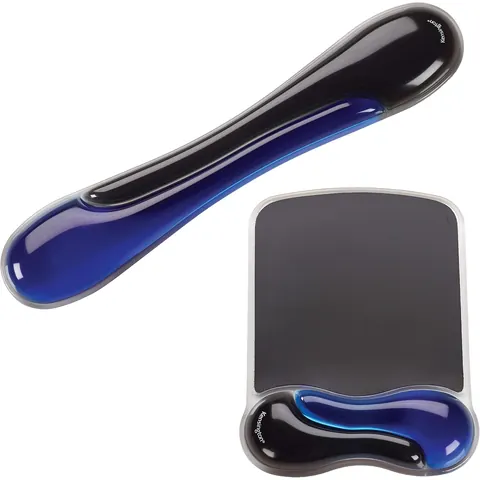 Budget · Under $50
Kensington Duo Gel Mouse and Keyboard Wrist Rest Set
★ 4.6 · 2,462 ratings
Two-layer gel from an established office brand. Keyboard and mouse pieces included.
Check price on AmazonDocument Holders
Most 10-key work starts from paper: invoices, claim forms, receipts. Laying those flat on the desk forces you to look down and back up hundreds of times an hour. A document holder puts the page next to your screen so your eyes travel sideways instead. Models with a line guide help you keep your place in long columns of numbers, which cuts skipped-row errors.
"Documents should be at the same height and distance as the monitor."Source: U.S. Occupational Safety and Health Administration, OSHA Computer Workstations eTool, Document Holders
 Budget · Under $50
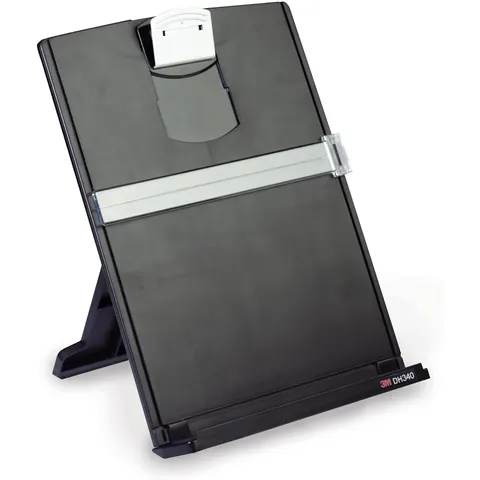
3M Desktop Document Holder for Monitor
★ 4.6 · 9,427 ratings
Line guide keeps your place on the source page. Sits beside the monitor.
Check price on Amazon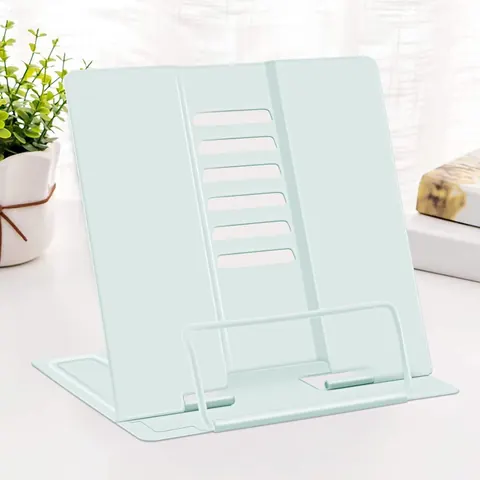 Budget · Under $50
MSDADA Metal Adjustable Document Stand
★ 4.7 · 8,421 ratings
Angle-adjustable metal stand. Holds binders and thick packets.
Check price on Amazon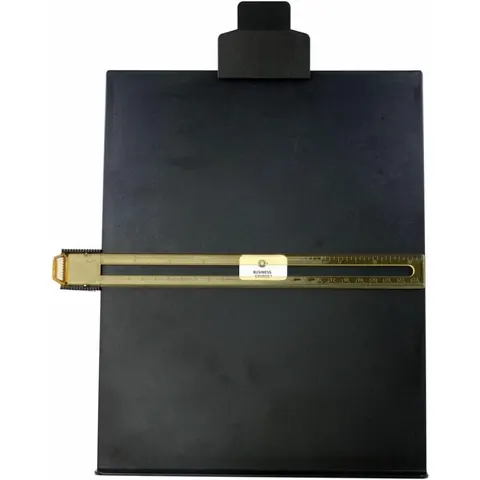 Budget · Under $50
Business Source Easel Copy Holder
★ 4.6 · 3,928 ratings
Classic easel copy holder with a sliding line guide.
Check price on Amazon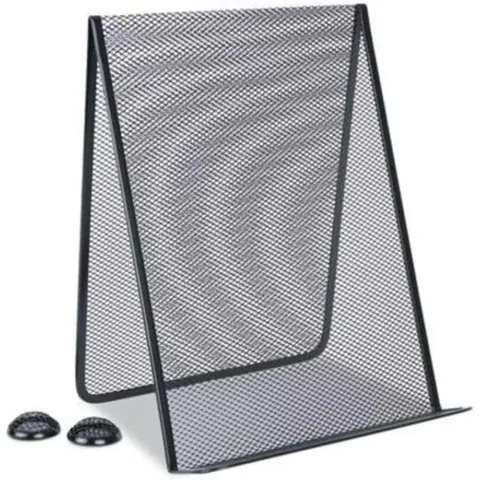 Budget · Under $50
Universal Metal Mesh Document Holder, Free Standing
★ 4.7 · 1,481 ratings
Upright mesh stand for loose sheets, up to 35 pages.
Check price on AmazonDesk Mats
A large desk mat does two jobs. It keeps a standalone keypad and keyboard from sliding during fast entry, and it gives you a soft, even surface for your forearms. Measure your desk first. For a full keyboard, a keypad and a mouse, you want at least 31 inches of width. Leather and faux leather wipe clean. Cloth is softer and gives the mouse better grip.
 Budget · Under $50
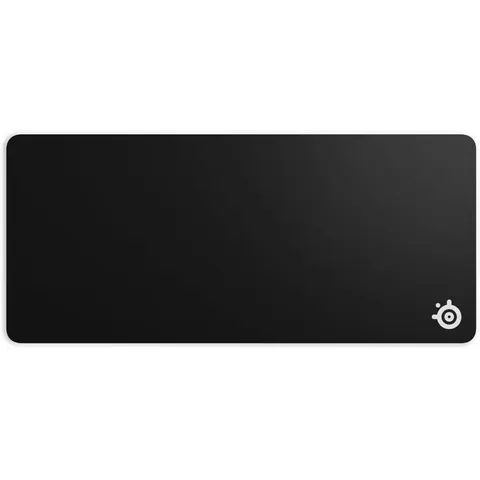
SteelSeries QcK XXL Cloth Mouse Pad, Full Desk Coverage
★ 4.7 · 80,835 ratings
Covers keyboard, keypad and mouse space in one piece. Non-slip base.
Check price on Amazon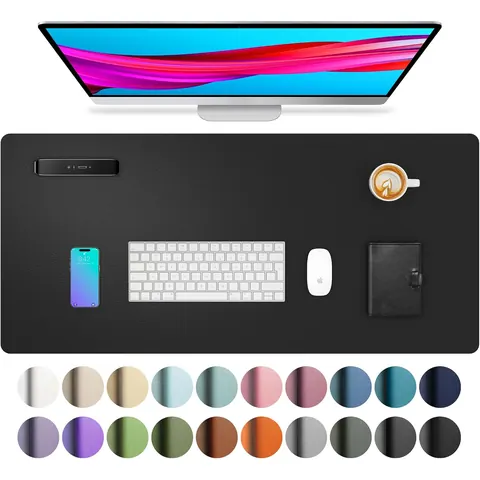 Budget · Under $50
Aothia PU Leather Desk Pad, 23.6 x 13.7 in, Black
★ 4.6 · 79,211 ratings
Waterproof faux leather. Easy to wipe clean.
Check price on Amazon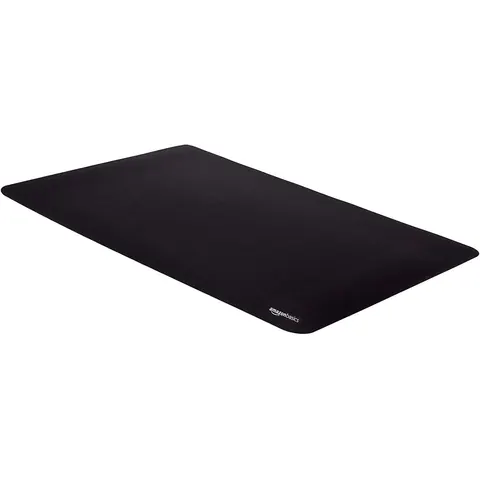 Budget · Under $50
Amazon Basics Extended Mouse Pad, 16.7 x 35.7 in, Black
★ 4.6 · 65,539 ratings
Long cloth pad that fits a full keyboard and a separate number pad.
Check price on Amazon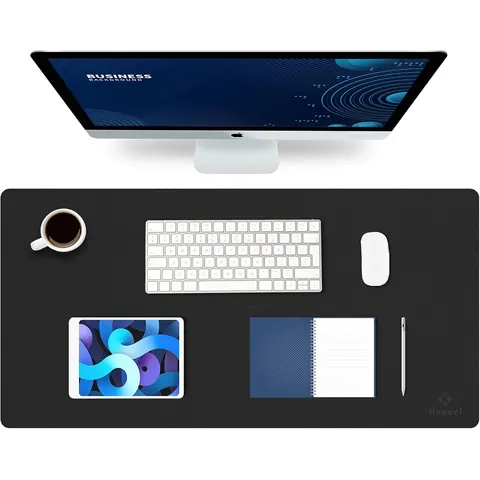 Budget · Under $50
K KNODEL Large Leather Desk Mat, 31.5 x 15.7 in, Black
★ 4.7 · 64,526 ratings
Large leather mat that also works as a writing surface for source documents.
Check price on Amazon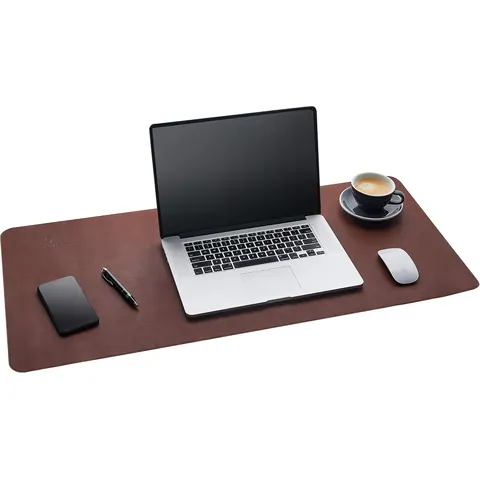 Budget · Under $50
Gallaway Leather Desk Mat, 36 x 17 in, Dark Brown
★ 4.7 · 10,186 ratings
Wide leather pad with a more finished office look.
Check price on Amazon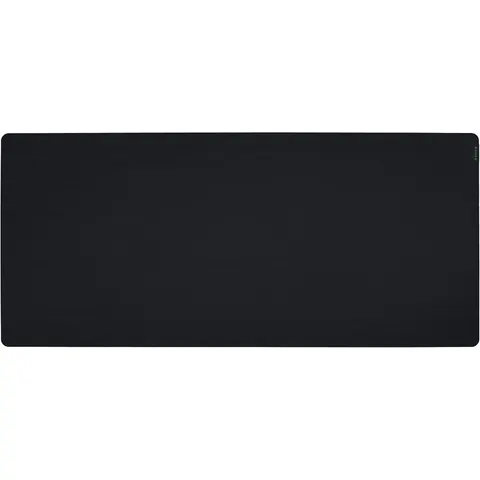 Budget · Under $50
Razer Gigantus V2 Cloth Mouse Pad, 3XL
★ 4.7 · 9,778 ratings
Extra-large and thick. Covers most of a standard desk.
Check price on Amazon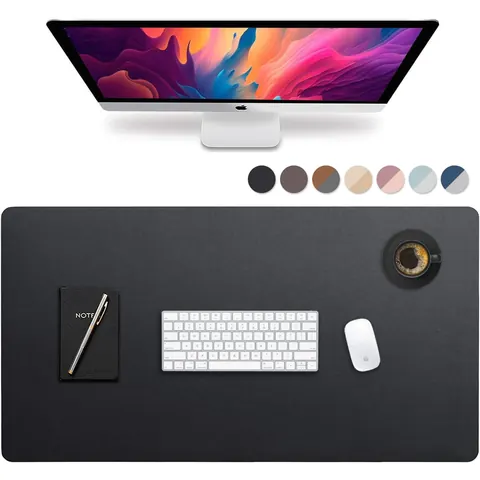 Budget · Under $50
Vine Creations Leather Desk Mat, 44 x 22 in
★ 4.6 · 6,422 ratings
The biggest mat here. Room for two keyboards and paperwork.
Check price on AmazonComputer Desks
A data entry desk needs depth as much as width. You want room for the monitor at arm's length, the keyboard or keypad in front of you, and a document holder beside the screen. L-shaped desks keep paperwork on one wing and the computer on the other. Standing desks let you switch positions during a long shift, and memory presets make that switch take seconds instead of minutes of fiddling.
"Desk surface should allow you to place the monitor directly in front of you, at least 20 inches away."Source: U.S. Occupational Safety and Health Administration, OSHA Computer Workstations eTool, Desks
 Mid-range · $50 to $149
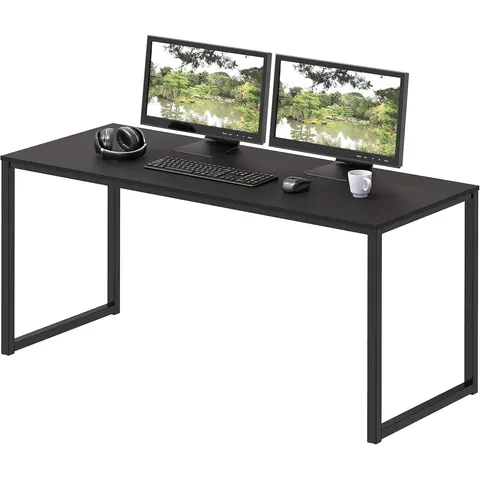
SHW Mission 48-Inch Home Office Computer Desk, Black
★ 4.6 · 30,467 ratings
Simple 48-inch desk with room for a monitor, keypad and document holder.
Check price on Amazon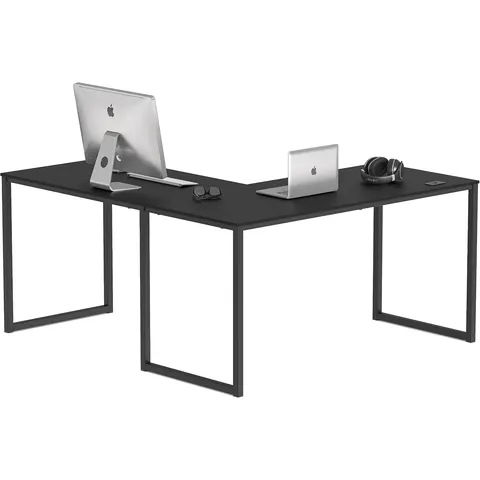 Mid-range · $50 to $149
SHW Mission 55 x 60 L-Shape Computer Desk, Black
★ 4.6 · 30,467 ratings
L-shape keeps source documents on one side and the screen in front of you.
Check price on Amazon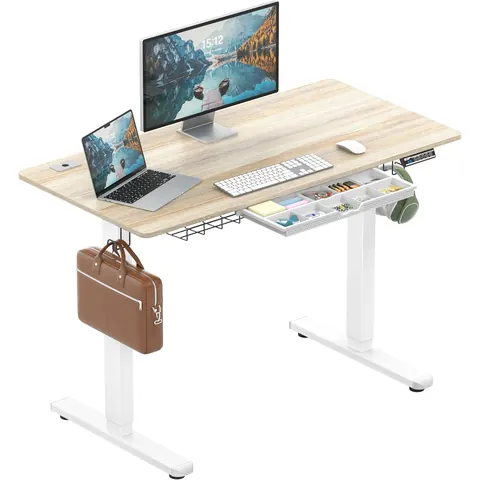 Premium · $150+
SHW 48-Inch Electric Height Adjustable Standing Desk with Drawer
★ 4.5 · 21,898 ratings
Electric sit-stand desk with a drawer at an entry price.
Check price on Amazon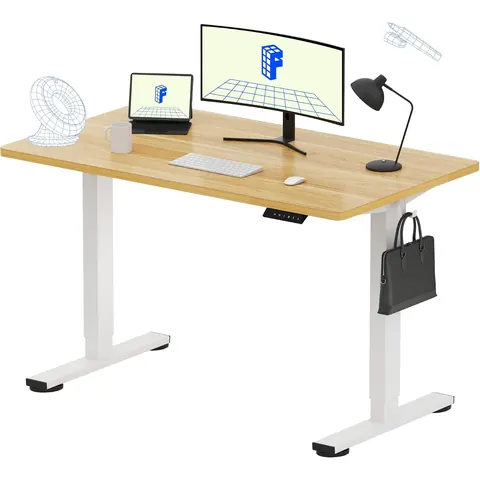 Mid-range · $50 to $149
FLEXISPOT EN1 Electric Standing Desk, 4 Memory Presets
★ 4.5 · 12,731 ratings
Memory presets return you to your exact sitting and standing heights.
Check price on Amazon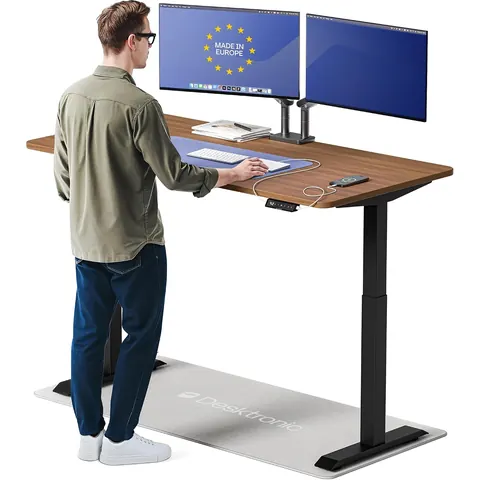 Premium · $150+
Desktronic HomeOne Standing Desk 60x30, Dual Motor
★ 4.8 · 3,010 ratings
Dual-motor frame and a 60-inch top for a two-monitor setup.
Check price on Amazon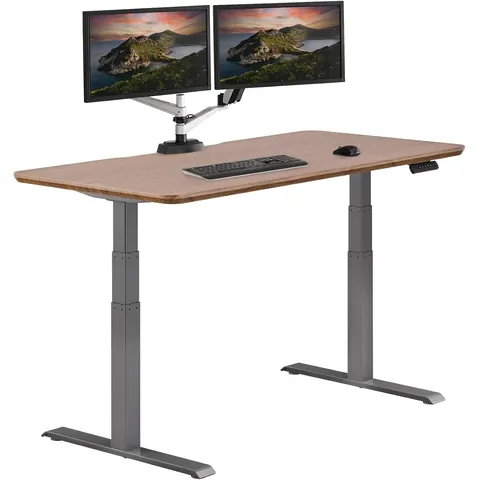 Premium · $150+
Vari Classic Electric Standing Desk 60x30, Walnut/Slate
★ 4.8 · 2,028 ratings
Premium sit-stand desk with a wide, deep top.
Check price on AmazonOffice Chairs
You'll spend more hours in this chair than in almost any other piece of furniture you own, so it deserves real money if you key full time. Look for adjustable lumbar support, seat height that lets your feet rest flat, and armrests that flip up or drop low enough to get out of the way when you pull close to the keypad. Every chair here lists lumbar support as a feature.
"The backrest should conform to the natural curvature of your spine, and provide adequate lumbar support."Source: U.S. Occupational Safety and Health Administration, OSHA Computer Workstations eTool, Chairs
 Premium · $150+
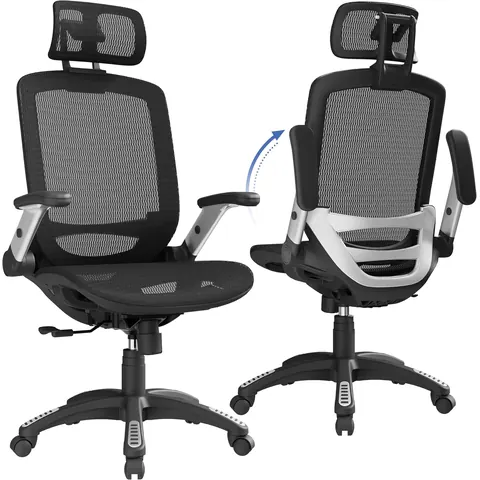
GABRYLLY Ergonomic Office Chair, High Back Mesh, Lumbar Support
★ 4.5 · 14,250 ratings
High-back mesh with adjustable lumbar support, headrest and flip-up arms.
Check price on Amazon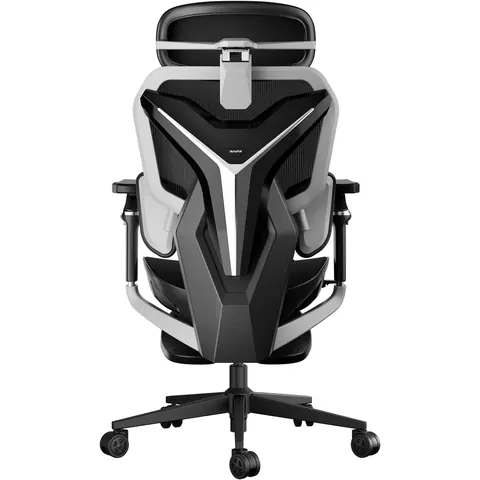 Premium · $150+
AutoFull G7 Ergonomic Chair, 3-Zone Lumbar, 22-Point Adjustment
★ 4.6 · 4,347 ratings
Three-zone lumbar and deep adjustability for long shifts.
Check price on Amazon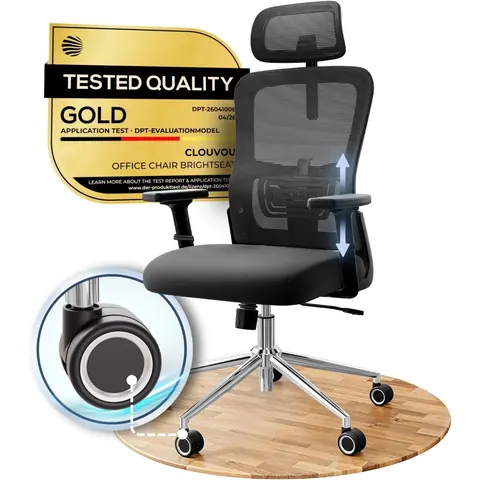 Premium · $150+
CLOUVOU Ergonomic Office Chair
★ 4.7 · 3,273 ratings
Mesh ergonomic chair with lumbar support and a headrest.
Check price on Amazon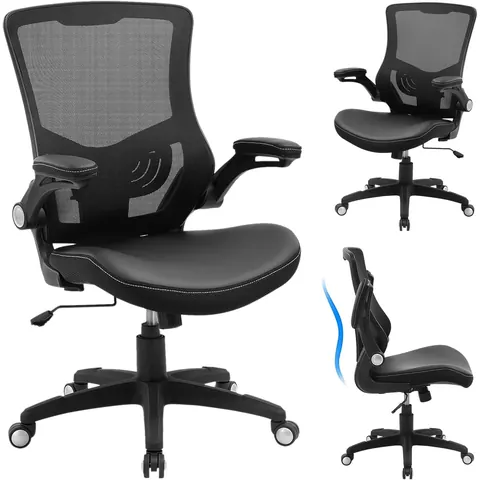 Mid-range · $50 to $149
X XISHE Ergonomic Office Chair, Adjustable Lumbar, Flip-Up Arms
★ 4.5 · 3,124 ratings
Flip-up arms let you pull close to the desk while keying.
Check price on Amazon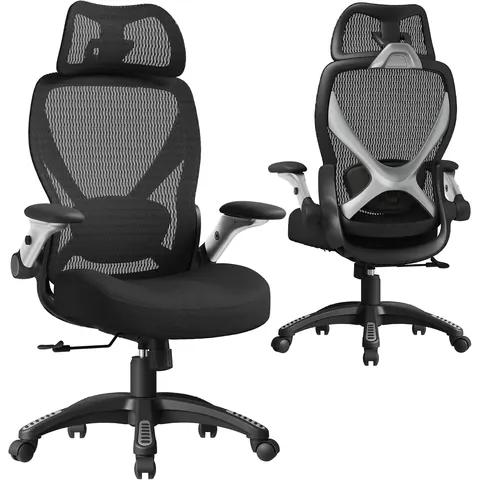 Premium · $150+
ELABEST X100 Ergonomic Mesh Chair, 5D Arms, 3D Lumbar Support
★ 4.6 · 1,413 ratings
Big-and-tall frame with 5D arms and adjustable lumbar.
Check price on Amazon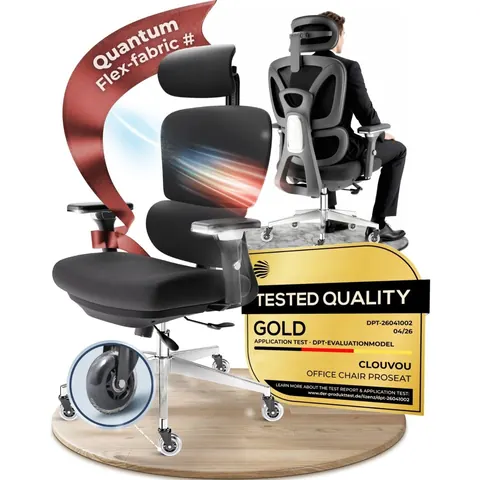 Premium · $150+
CLOUVOU Premium Ergonomic Office Chair with Headrest
★ 4.6 · 980 ratings
Premium version with a headrest and tilt adjustment.
Check price on AmazonDesk Lamps
Reading faint numbers off a carbon copy or a faded receipt is where lighting pays off. Aim task light at your source documents, not at the screen, to avoid glare. Monitor light bars sit on top of the display and throw light down onto the desk without hitting the screen. Clamp-on architect lamps cover a wider desk and free up surface space.
"Arrange your office to minimize glare from overhead lights, desk lamps, and windows."Source: U.S. Occupational Safety and Health Administration, OSHA Computer Workstations eTool, Workstation Environment
 Budget · Under $50
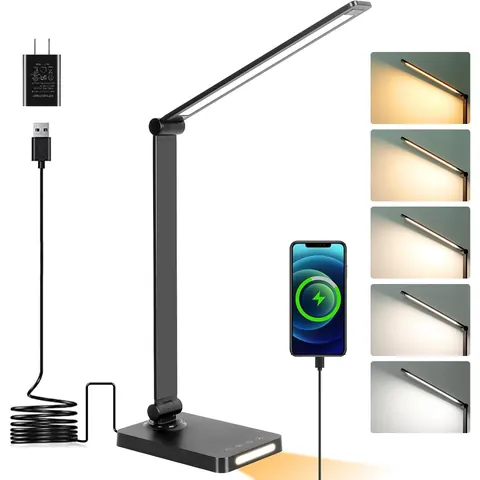
Dott Arts LED Desk Lamp with USB Ports, Touch Control, 5 Modes
★ 4.5 · 14,267 ratings
Five color modes and USB charging ports in the base.
Check price on Amazon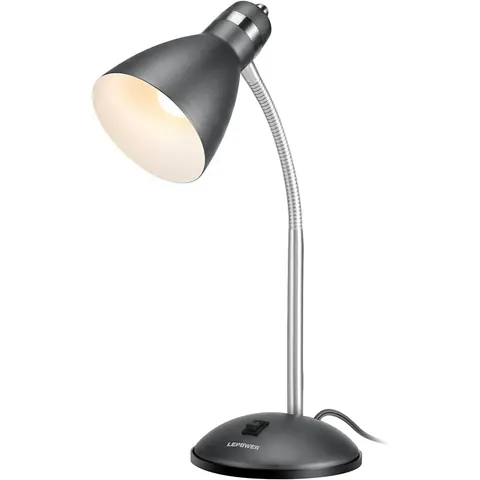 Budget · Under $50
LEPOWER Metal Desk Lamp, Adjustable Gooseneck
★ 4.6 · 13,960 ratings
Gooseneck aims light straight at your source papers.
Check price on Amazon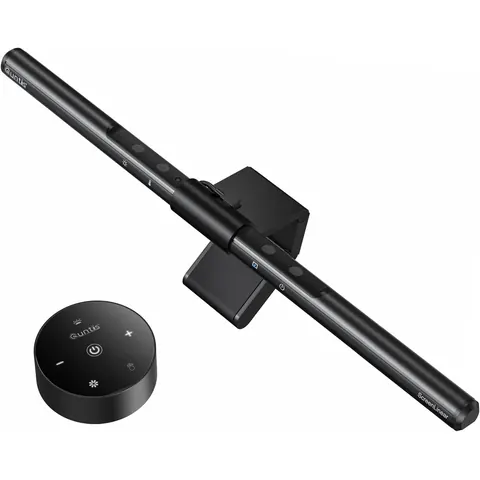 Budget · Under $50
Quntis Monitor Light Bar, Auto-Dimming, Eye Caring
★ 4.6 · 13,834 ratings
Sits on top of the monitor and lights the desk, not the screen.
Check price on Amazon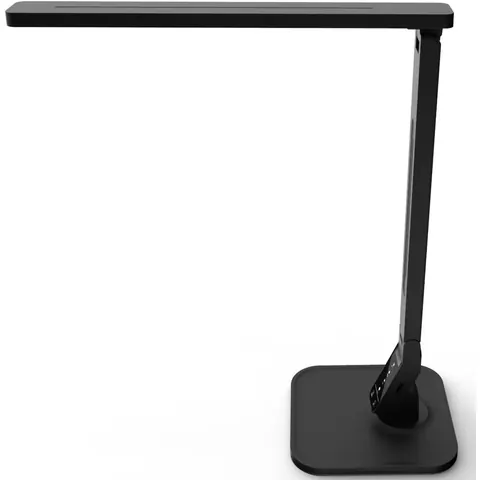 Budget · Under $50
Lampat Dimmable LED Desk Lamp, 4 Modes, 5-Level Dimmer
★ 4.7 · 9,966 ratings
Touch dimmer with an auto-off timer.
Check price on Amazon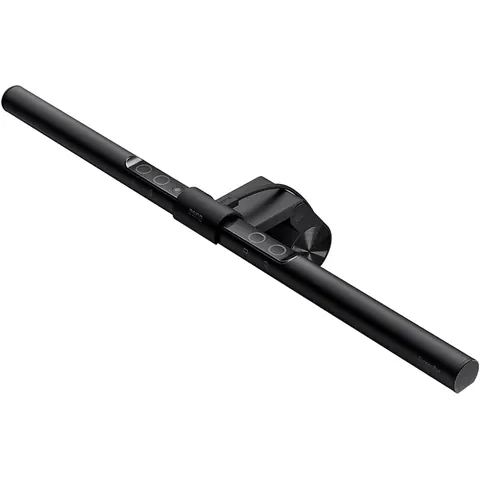 Premium · $150+
BenQ ScreenBar e-Reading LED Monitor Light, Auto-Dimming
★ 4.7 · 4,483 ratings
Premium monitor bar with a wide beam and hue adjustment.
Check price on Amazon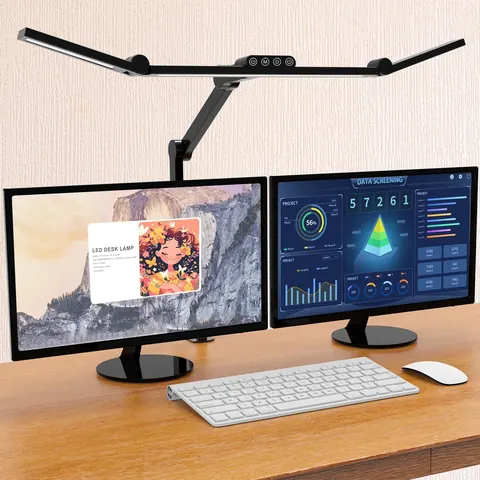 Mid-range · $50 to $149
Micomlan LED Architect Desk Lamp with Clamp, 24W
★ 4.6 · 4,088 ratings
Wide clamp-on bar that lights a two-monitor desk.
Check price on Amazon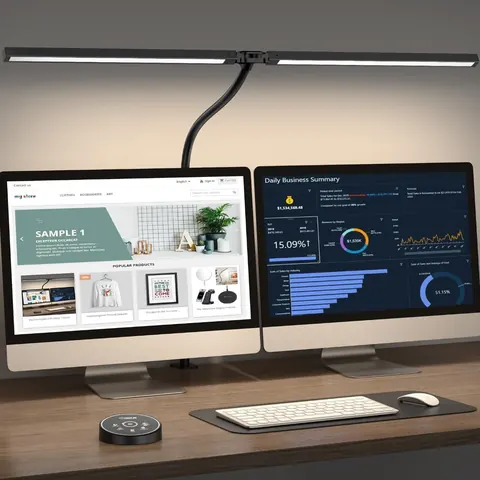 Budget · Under $50
Pzloz LED Architect Desk Lamp with Clamp, Eye Caring
★ 4.7 · 3,563 ratings
Long-reach architect lamp that clamps to the desk edge.
Check price on AmazonMonitors
For spreadsheet and data entry work, screen size and resolution decide how many rows you can see without scrolling. A 24-inch 1080p screen works for most tasks. A 27-inch 1440p screen shows noticeably more cells at once. Height adjustment matters more than refresh rate here, since you want the top of the screen at or just below eye level.
"Put monitor directly in front of you and at least 20 inches away. Place monitor so top line of screen is at or below eye level."Source: U.S. Occupational Safety and Health Administration, OSHA Computer Workstations eTool, Monitors
 Mid-range · $50 to $149
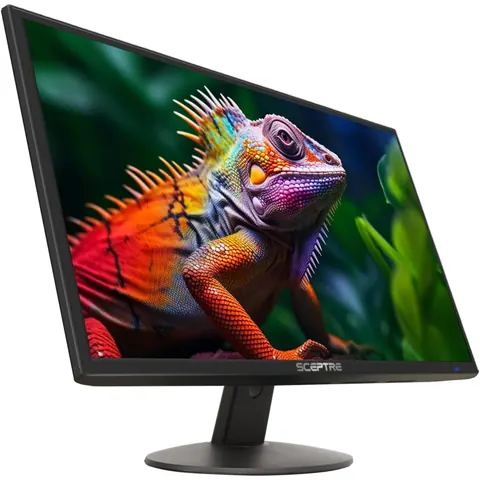
Sceptre 24-inch 1080p LED Monitor (E248W-19203R)
★ 4.6 · 28,514 ratings
Low-cost 24-inch 1080p screen with HDMI and VGA.
Check price on Amazon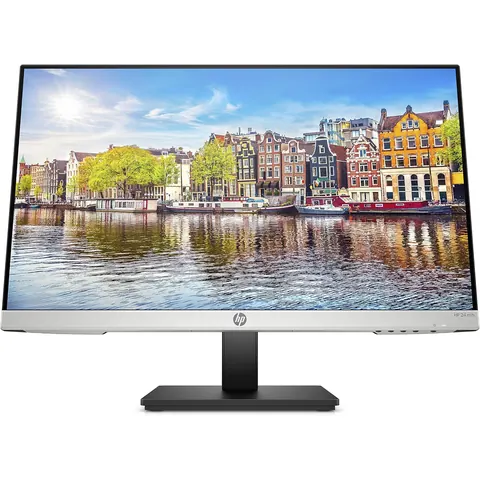 Premium · $150+
HP 24mh FHD Monitor, 23.8-Inch IPS, Height and Tilt Adjustment
★ 4.7 · 25,445 ratings
IPS panel with height adjustment, so you can set the top of the screen at eye level.
Check price on Amazon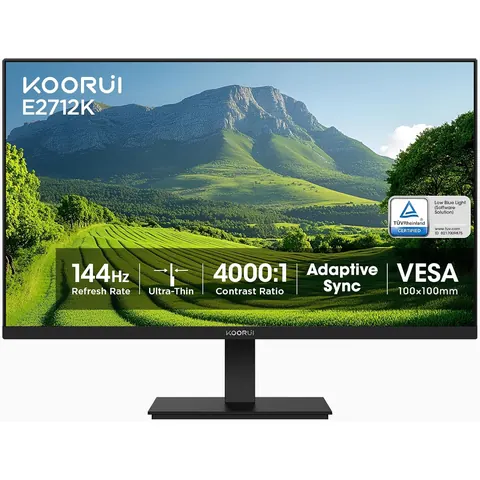 Mid-range · $50 to $149
KOORUI 27 Inch Computer Monitor, 144Hz FHD 1080p VA
★ 4.5 · 15,487 ratings
27 inches of screen for wide spreadsheets at a low price.
Check price on Amazon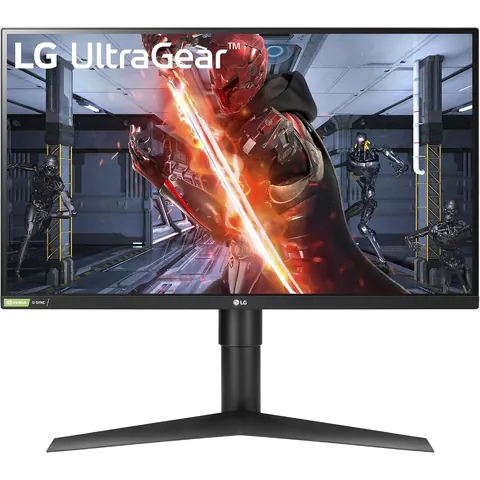 Premium · $150+
LG 27GL83A-B 27-Inch UltraGear QHD 1440p IPS Monitor
★ 4.6 · 12,526 ratings
1440p resolution shows more rows and columns at once.
Check price on Amazon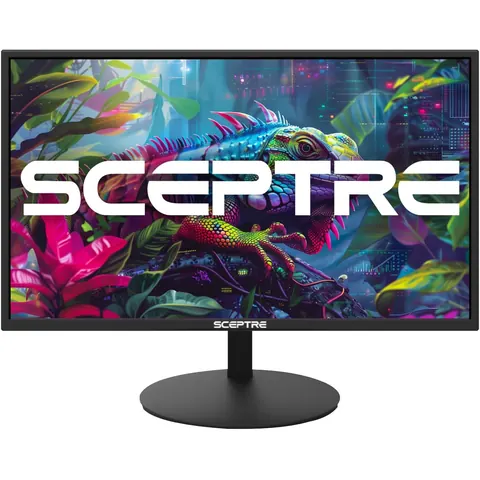 Mid-range · $50 to $149
Sceptre E275W-19203R 27 inch 1080P LED Monitor
★ 4.5 · 4,603 ratings
Flat 27-inch 1080p screen at a low price.
Check price on Amazon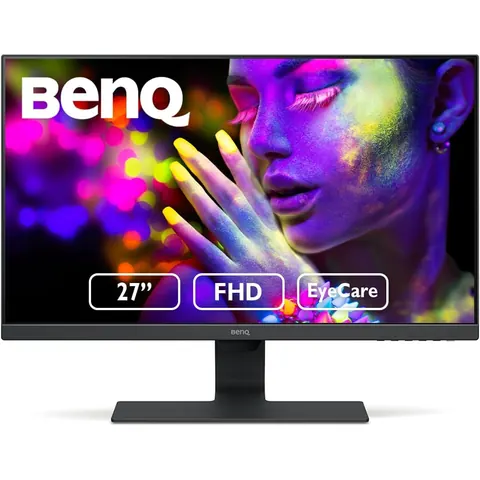 Premium · $150+
BenQ GW2780 27 inch FHD IPS Monitor, Eye-Care, Low Blue Light
★ 4.6 · 4,203 ratings
Eye-care tech with low blue light and anti-glare.
Check price on Amazon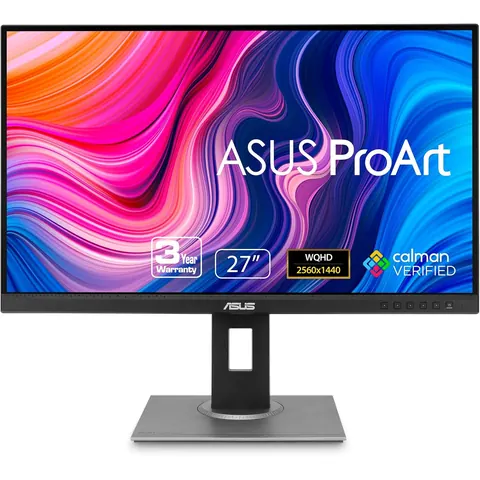 Premium · $150+
ASUS ProArt PA278QV 27 Inch 1440p QHD Professional Monitor
★ 4.6 · 3,076 ratings
Pro-grade 1440p panel with full height, tilt and pivot adjustment.
Check price on AmazonMonitor Stands and Arms
Most monitors ship too low. A riser or arm brings the screen up to eye level and frees desk space for your keypad and papers. Risers are cheap and simple. Arms cost more but let you pull the screen closer, push it back, or swing it aside. Dual arms make sense if you work from one screen and reference a second.
 Budget · Under $50
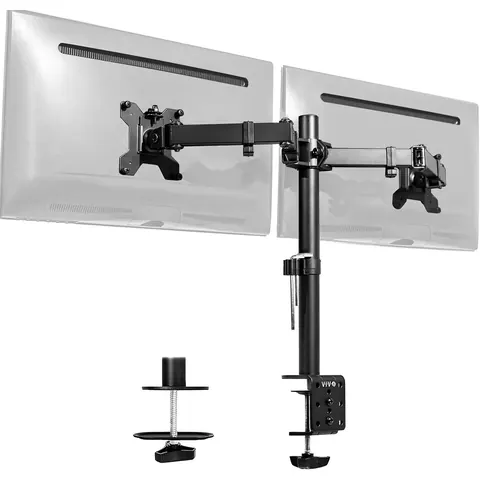
VIVO Dual Monitor Desk Mount, up to 30 inch Screens
★ 4.6 · 60,949 ratings
Holds two screens side by side and frees up desk space.
Check price on Amazon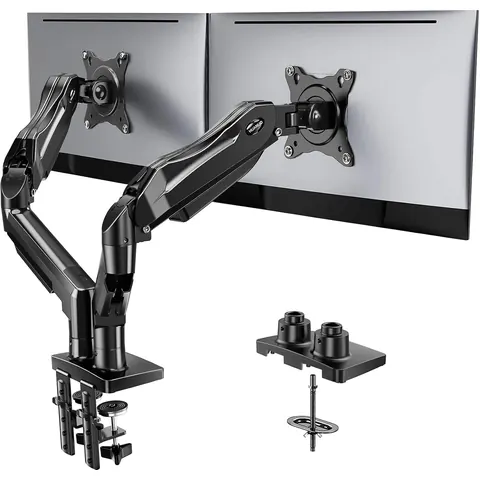 Mid-range · $50 to $149
HUANUO FlowLift Dual Monitor Stand, 13 to 32 inch, Full Motion
★ 4.6 · 34,758 ratings
Gas-spring arms move both screens with one hand.
Check price on Amazon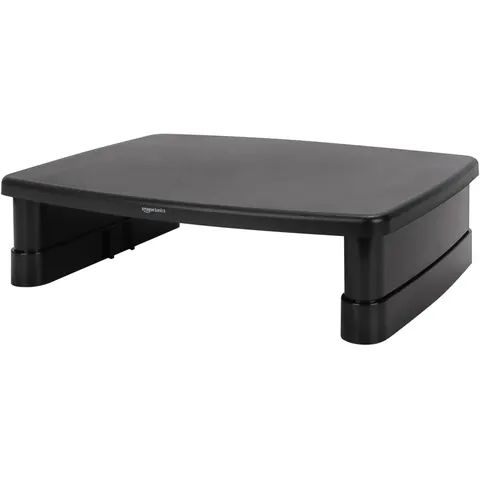 Budget · Under $50
Amazon Basics Height Adjustable Monitor Stand Riser with Storage
★ 4.6 · 25,160 ratings
Three height levels help raise the screen toward eye level.
Check price on Amazon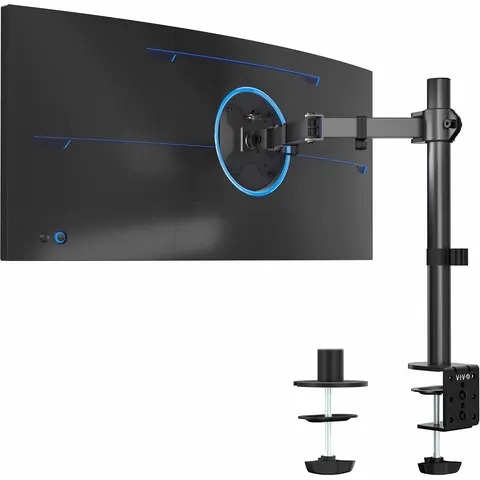 Budget · Under $50
VIVO Single Monitor Arm Desk Mount, 13 to 38 inch
★ 4.5 · 20,386 ratings
Simple single arm that clamps to the desk.
Check price on Amazon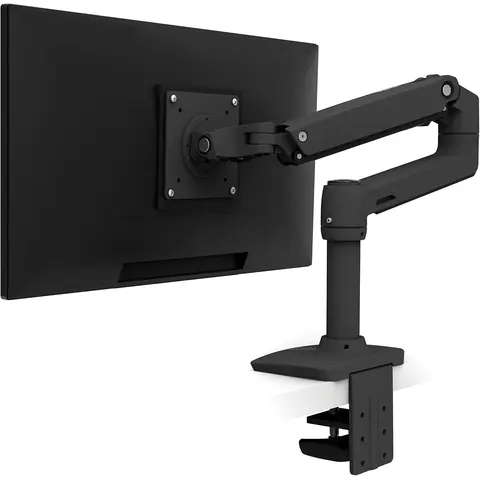 Premium · $150+
Ergotron LX Monitor Arm, Single Monitor, up to 34 inch
★ 4.6 · 10,986 ratings
A widely used single arm with smooth motion and long reach.
Check price on Amazon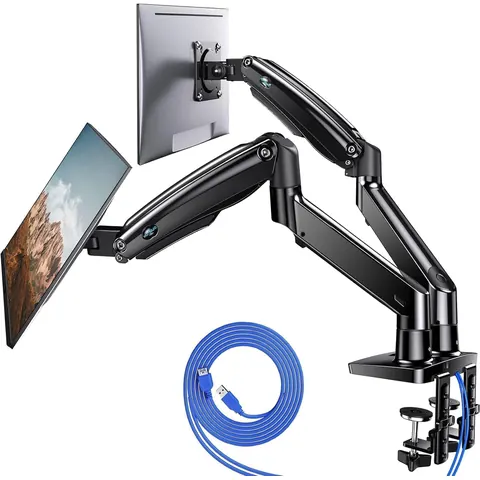 Mid-range · $50 to $149
HUANUO Premium Dual Monitor Stand 13 to 40 inch with USB
★ 4.6 · 5,631 ratings
Dual gas-spring arms with USB ports built into the base.
Check price on Amazon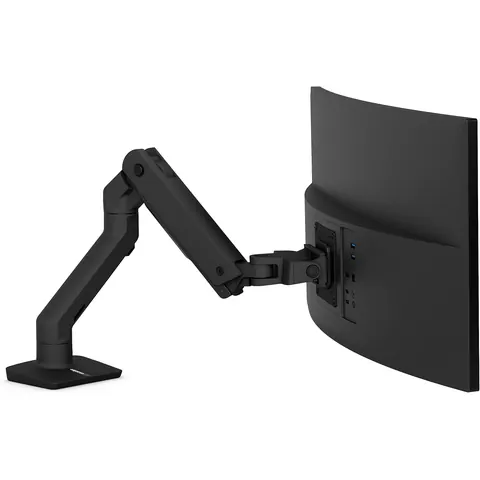 Premium · $150+
Ergotron HX Premium Heavy Duty Monitor Arm
★ 4.6 · 2,353 ratings
Built for large, heavy screens and ultrawides.
Check price on AmazonSurge Protectors and Battery Backups
A power blip in the middle of a batch can wipe out unsaved work. A surge protector guards your equipment, but only a battery backup, called a UPS, keeps the computer running long enough to save and shut down. If you work from home in an area with storms or flickering power, a UPS is the smartest upgrade on this page.
 Budget · Under $50
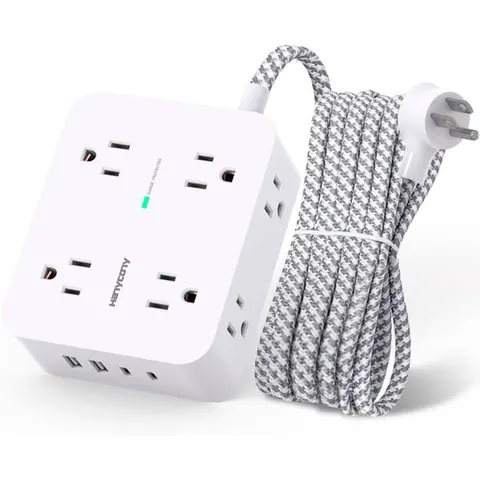
HANYCONY Surge Protector Power Strip, 1080J, 5 Ft Braided Cord
★ 4.8 · 68,805 ratings
Compact cube-style strip with USB ports.
Check price on Amazon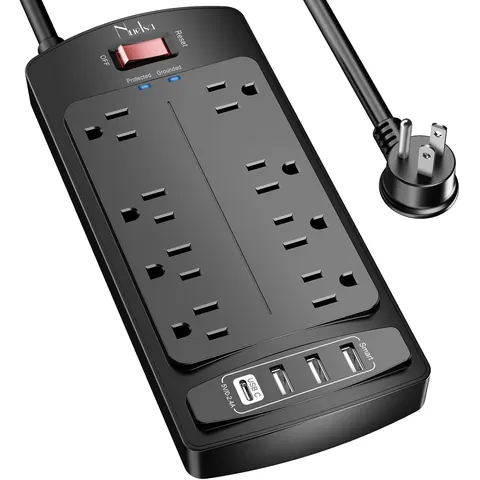 Budget · Under $50
Nuetsa Flat Plug Surge Protector, 8 Outlets, 4 USB, 2700 Joules
★ 4.8 · 60,336 ratings
Flat plug fits behind a desk pushed against the wall.
Check price on Amazon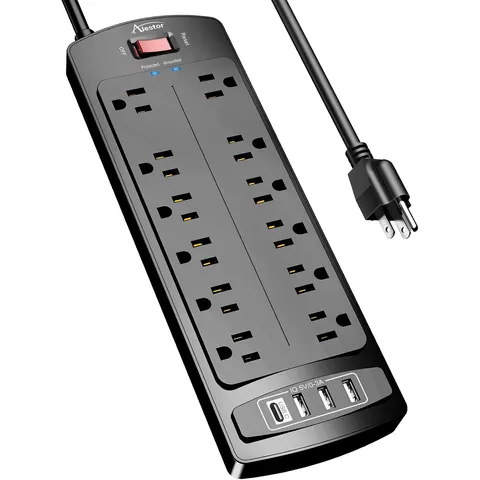 Budget · Under $50
ALESTOR 6 Ft Surge Protector, 12 Outlets and 4 USB Ports
★ 4.8 · 50,903 ratings
Twelve outlets for multi-monitor setups.
Check price on Amazon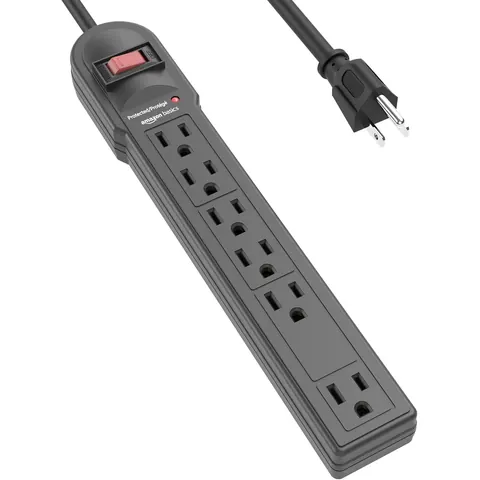 Budget · Under $50
Amazon Basics Surge Protector, 6-Outlet, 790 Joules, 6ft Cord
★ 4.8 · 46,694 ratings
Basic protection at the lowest price.
Check price on Amazon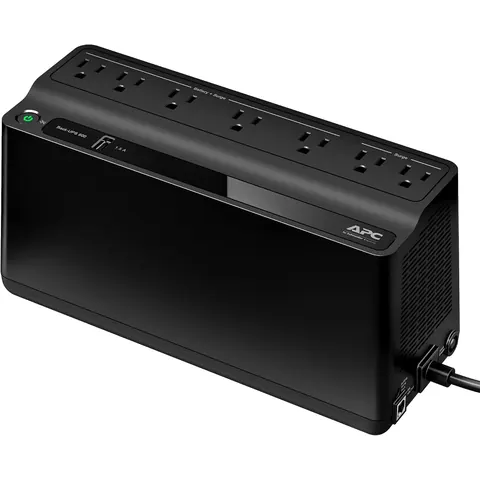 Mid-range · $50 to $149
APC BE600M1 UPS Battery Backup and Surge Protector
★ 4.5 · 29,245 ratings
Battery backup keeps your PC on through a short outage so you can save your work.
Check price on Amazon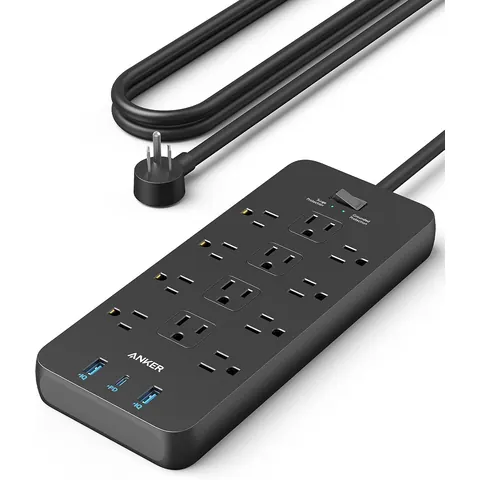 Budget · Under $50
Anker Power Strip, 2100J Surge Protector, 12 AC Outlets, 20W USB
★ 4.8 · 20,243 ratings
High joule rating and fast USB charging.
Check price on Amazon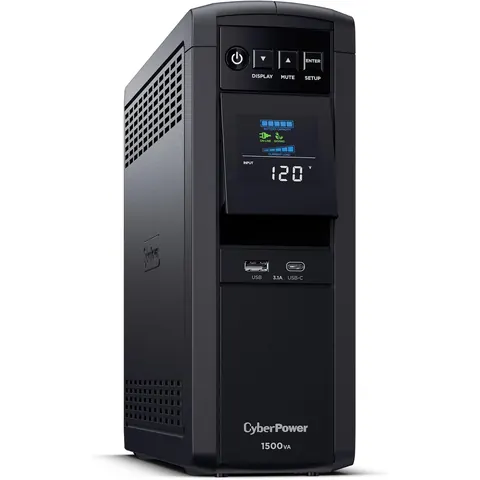 Premium · $150+
CyberPower CP1500PFCLCD PFC Sinewave UPS Battery Backup
★ 4.5 · 11,427 ratings
Larger sine-wave UPS for a desktop PC and two monitors.
Check price on AmazonTranscription Foot Pedals
Transcription pedals let you control audio with your feet so your hands stay on the keys. Most use three pedals for rewind, play and fast-forward, and they work through transcription software such as Express Scribe. Check that your software supports the pedal before you buy. Only one dedicated transcription pedal on Amazon met our rating rules.
 Mid-range · $50 to $149
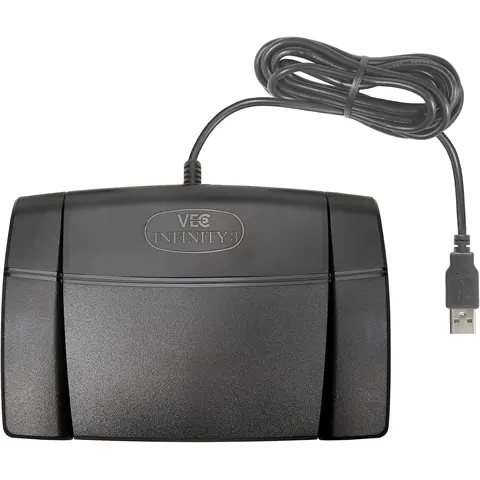
Infinity 3 USB Foot Pedal Control with Computer Plug In
★ 4.5 · 2,154 ratings
Three USB pedals, usually set to rewind, play and fast-forward in your transcription software.
Check price on AmazonTranscription Headsets
Transcription is about hearing every word, including the mumbled ones. Closed-back headphones block room noise and keep the audio from leaking into a microphone. Studio monitor headphones reproduce voices accurately instead of boosting bass. Wired headphones avoid Bluetooth audio lag, which matters when you're syncing playback with a foot pedal. The Bose pick trades that for noise cancelling in a loud home.
 Budget · Under $50
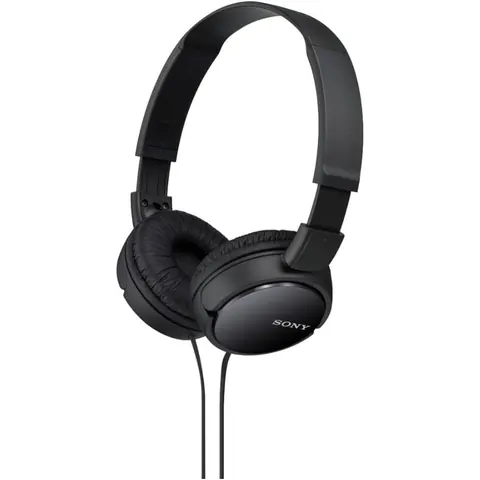
Sony ZX Series Wired On-Ear Headphones MDR-ZX110
★ 4.5 · 101,093 ratings
Light on-ear headphones at a starter price.
Check price on Amazon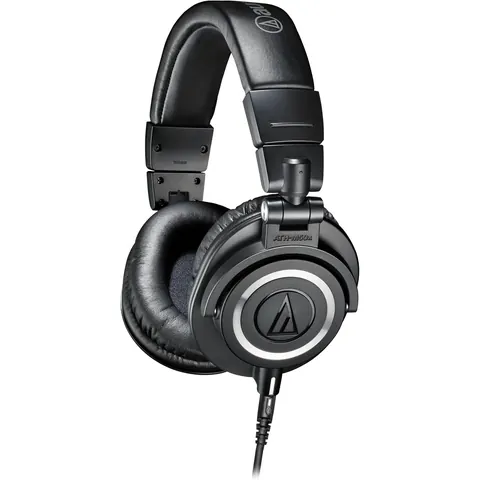 Premium · $150+
Audio-Technica ATH-M50X Professional Studio Monitor Headphones
★ 4.7 · 33,842 ratings
Studio favorite with detailed sound for picking out unclear words.
Check price on Amazon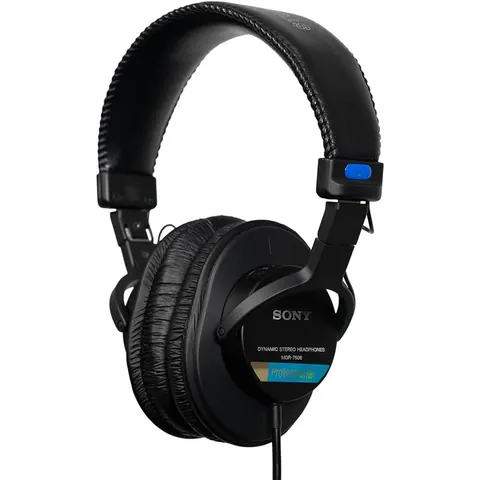 Mid-range · $50 to $149
Sony MDR7506 Professional Large Diaphragm Headphone
★ 4.7 · 28,379 ratings
A long-standing studio and broadcast standard with closed-back isolation.
Check price on Amazon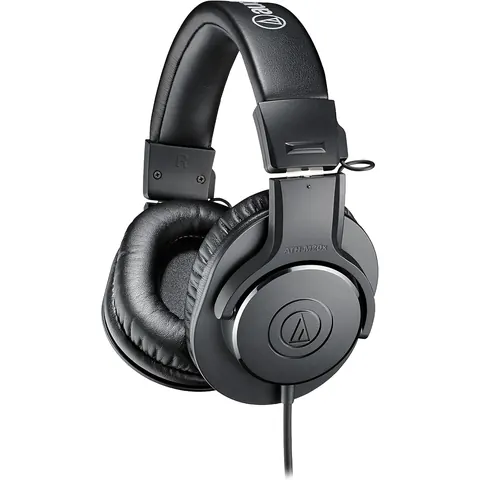 Mid-range · $50 to $149
Audio-Technica ATH-M20x Professional Studio Monitor Headphones
★ 4.6 · 27,224 ratings
Entry studio headphones with closed-back isolation.
Check price on Amazon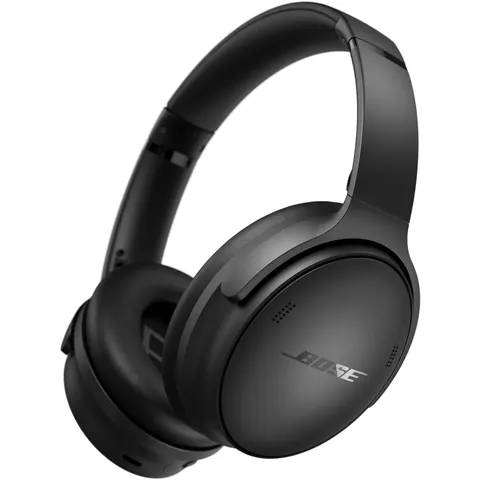 Premium · $150+
Bose QuietComfort Wireless Noise Cancelling Headphones
★ 4.5 · 21,904 ratings
Noise cancelling blocks a loud house. Wireless with a mic.
Check price on Amazon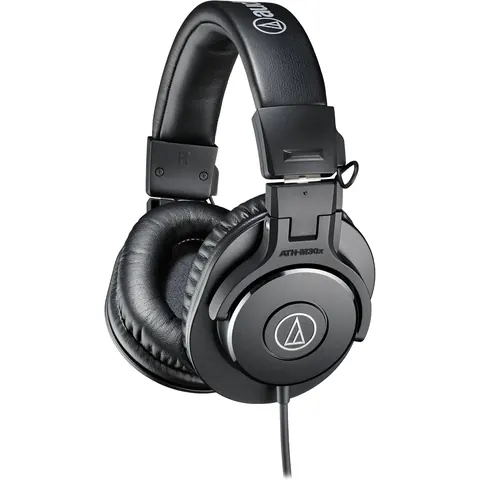 Mid-range · $50 to $149
Audio-Technica ATH-M30x Professional Studio Monitor Headphones
★ 4.6 · 12,590 ratings
Step-up model with more detail than the M20x.
Check price on Amazon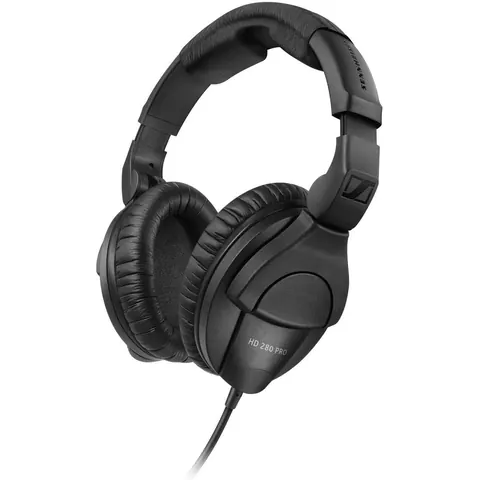 Mid-range · $50 to $149
Sennheiser HD 280 Pro Headphone, Black
★ 4.5 · 11,423 ratings
Strong passive noise blocking for long listening sessions.
Check price on AmazonFrequently Asked Questions
Do I need a separate numeric keypad if my keyboard has a number pad?
No. A full-size keyboard's number pad works for 10-key tests and daily entry. A standalone keypad helps when you use a laptop, want mechanical switches only on the number side, or want to place the pad closer to your mouse hand.
Should I use a wired or wireless keypad for a 10-key test?
Wired is the safer choice for timed employer tests. There's no battery to die and no pairing to drop mid-test. Wireless pads are fine for everyday work.
How were these products chosen?
Each pick held a 4.5-star average or higher with at least 1,000 Amazon ratings when we checked in September 2026, with a few exceptions. Those cards show their exact star rating and rating count so you can judge them yourself. We grouped them by price tier so you can match gear to your budget.
What is the one upgrade most data entry workers skip?
A document holder. Losing your place and constantly moving your head between the page and the screen both slow you down and invite errors. Putting the page beside the monitor helps with both.
Ready to see if new gear moves your score? Take the one-minute 10-key test or read our guide to the best 10-key typing machines.